Add a “Cookie settings” link so visitors can change consent
Let visitors change or withdraw cookie consent from your footer or menu: link to #omea-consent-preferences, add an attribute, or call a function.
On this page
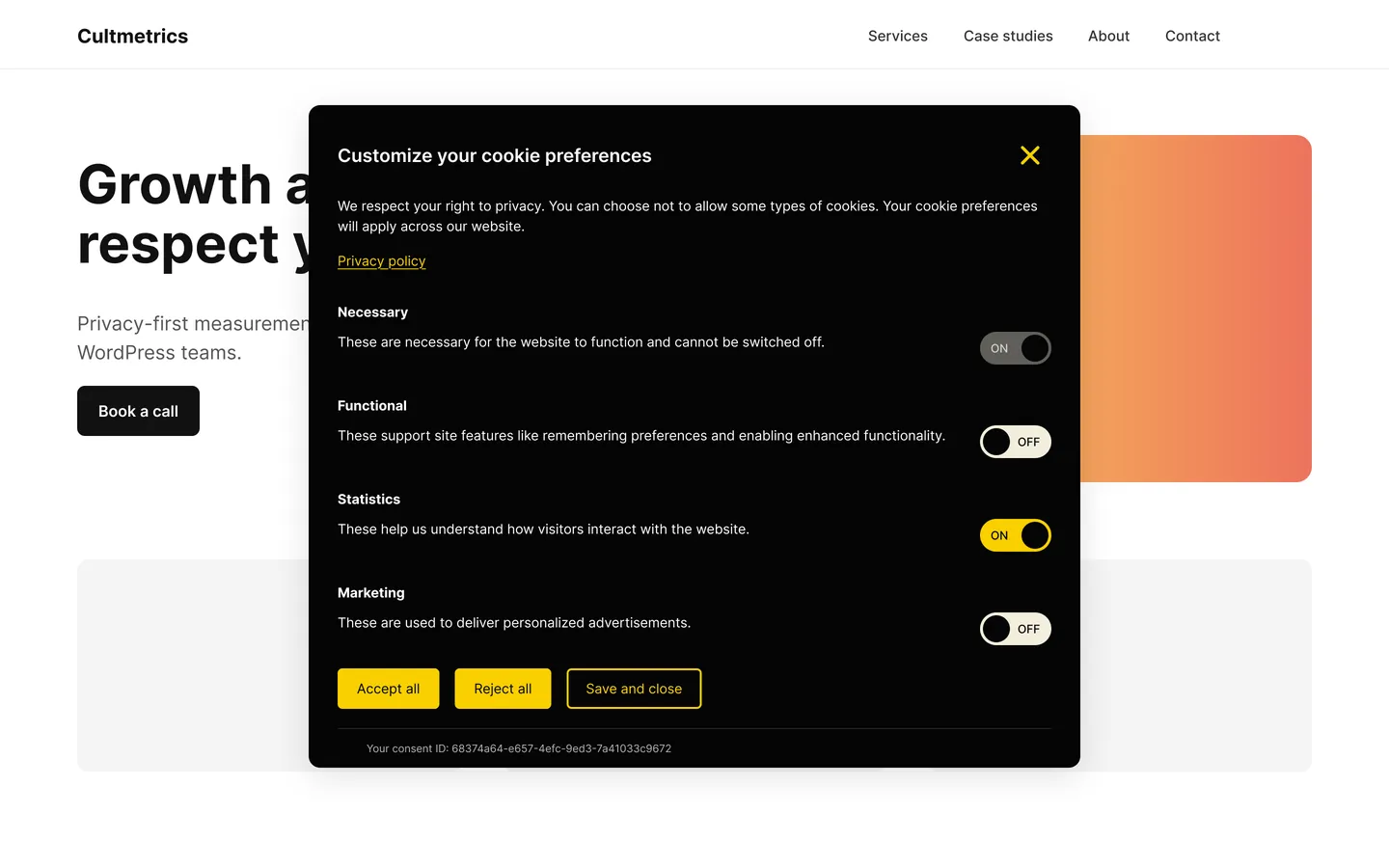
GDPR article 7(3) says withdrawing consent must be as easy as giving it. Omea Consent already shows a small round cookie icon at the bottom left of every page once a visitor has chosen. A Cookie settings link in your footer makes it even easier to find – and many visitors look there first.
Add a link to your footer menu
- Open the menu editor In a block theme, edit the footer’s Navigation block in Appearance › Editor. In a classic theme, go to Appearance › Menus.
- Add a custom link Add a Custom link with the URL
#omea-consent-preferencesand the text Cookie settings. - Save and test Save, open the site and click the link. The preferences window opens.
Try it here: Cookie settings – this help site uses the same Omea Consent banner as cultmetrics.com.
Three ways to open the preferences window
1. A link to #omea-consent-preferences – works anywhere you can add a link: menus, buttons, paragraphs, page builders.
<a href="#omea-consent-preferences">Cookie settings</a>
2. The data-omea-consent-preferences attribute – turns any element into a trigger, for example a button:
<button type="button" data-omea-consent-preferences>Manage cookies</button>
3. JavaScript – for custom code:
window.omeaConsentManager.openPreferences();
What happens when a visitor changes their choice
- Adding consent takes effect at once: scripts in the newly accepted category run without a reload.
- Withdrawing consent reloads the page so running scripts stop, and deletes that category’s cookies – the ones your scan found plus well-known ones such as
_ga,_fbp,_ttpand_uet…– on your domain and its parent domains. - The new choice is saved in the consent log.
The generated cookie policy already has one
If you created your cookie policy with Generate from scan, its Your choices section already contains a link that opens the cookie settings. See Auto-updating cookie policy for WordPress.